


Transitioning to a modular, two-piece vaporizer system is an excellent long-term investment, but the introduction of magnetic connection points can occasionally lead to operational hiccups. When you inhale deeply and are met with a flashing screen, a harsh charred cloud, or absolutely zero vapor, panic quickly sets in. Before you throw your reusable battery in the trash, stop and diagnose the hardware. Learning exactly How to Fix Foger Switch Pro 30K Kit Not Hitting, Burnt Taste & Charging Issues will save you immense frustration and money. This comprehensive repair guide covers everything from clearing blocked pneumatic sensors to cleaning gold-plated contact pins, ensuring your hybrid ecosystem fires flawlessly every single time.
1. Diagnosing Modular Vape Connection Errors
When you inhale and nothing happens—no screen activation, no vapor, no heat—the modular connection between the battery base and the cartridge has likely failed.
Fixing Magnetic Base and Pod Alignment
Because this system relies on two separate pieces, the top pod must sit perfectly flush inside the battery cradle. If a piece of pocket lint or a grain of sand gets caught on the magnetic shelf, the electrical circuit cannot close. Remove the cartridge, blow forcefully into the battery base to dislodge any debris, and snap the pod back in. A firm "click" confirms proper alignment.
2. Resolving the Dreaded Charred Cotton Hit
A sudden metallic or scorched taste is the most common complaint among heavy users. This does not mean the massive 19mL cartridge is entirely empty; it means the mesh heating element is vaporizing juice faster than it can be replaced.
Priming Dry Wicks After Chain Vaping
If you take ten massive pulls back-to-back, the organic cotton surrounding the dual coils will dry out. To fix this, detach the pod from the battery base. Cover the bottom airflow hole of the pod with your finger and take two gentle "dry pulls" from the mouthpiece. This physically forces the thick liquid up into the dry cotton without firing the coil.
3. Cleaning Gold-Plated Pogo Pins Effectively
A dirty power bank leads to frustrating misfires and inaccurate screen readouts, which is a unique challenge for two-piece vaporizers.
Restoring Electrical Conductivity in Two-Piece Setups
Over a week of usage, slight condensation can pool around the contact points. Take a dry cotton swab and gently wipe the gold-plated pogo pins located inside the battery base, as well as the metallic contacts on the bottom of the pod. Never use water or rubbing alcohol, as you simply need to remove the microscopic moisture barrier blocking the current.
4. Curing Type-C Power Delivery Failures
You plug your reusable base into the wall, but the smart screen doesn't show the charging animation. Before assuming the internal 1000mAh battery is dead, inspect the physical connection port.
Extracting Pocket Lint from the Charging Terminal
Because the battery base lives in our pockets, the Type-C port acts as a magnet for lint. If the cable cannot seat fully, the electrical circuit remains open. Use a wooden toothpick (never metal tweezers, which can cause a fatal short circuit) to gently scrape the bottom of the charging port and remove any compacted debris.

Foger Switch Pro Troubleshooting
5. Halting E-Liquid Spit-Back and Gurgling
Inhaling hot, un-vaporized e-liquid droplets directly onto your tongue is incredibly unpleasant. This happens when the central chimney becomes flooded with excess juice that the dual coil cannot heat fast enough.
Draining a Flooded Central Airway Chimney
To fix a flooded airway, detach the pod from the base. Wrap a tissue around the bottom of the pod and forcefully flick it toward the ground (holding the mouthpiece end). This centrifugal force flings the trapped liquid out of the internal chimney and into the tissue. Swab the inside of the mouthpiece to finish the cleanup.
6. Deciphering Rapidly Blinking Warning Lights
When the digital interface starts blinking rapidly and refuses to fire, the motherboard is communicating a specific hardware fault triggered by its internal safety protocols.
Differentiating Battery Depletion from Short Circuits
If the screen blinks 10 times consecutively, the 1000mAh base is depleted and requires a charge. However, if you attach a pod and the screen blinks 3 to 5 times instantly upon inhaling while the battery is full, the microchip has detected a short circuit in the pod's mesh coil. You must throw that specific pod away, as it is defective and dangerous to use.
7. Rebooting a Frozen Smart LED Display
The animated screen is a major diagnostic feature. If the display freezes on 100% juice for days, or goes completely blank despite the unit still producing vapor, the software has stalled.
Executing a Hard Reset on the Microcontroller
To reset the frozen onboard chip, plug the battery base into a low-wattage USB-C cable for exactly three seconds, then rapidly unplug it. Doing this two or three times forces the motherboard to interrupt its current power cycle, which almost always recalibrates the digital display software successfully.
8. Boosting Muted Aerosol Production
Sometimes the unit fires perfectly, but the vapor feels thin, wispy, and lacks the intense flavor punch you expect from a premium dual-mesh setup.
Calibrating the Base Airflow Control Switch
Muted flavor is often the result of too much ambient oxygen diluting the aerosol. Check the adjustable slider on the bottom of the battery. If it is pushed wide open, slide it halfway closed. Restricting the oxygen intake condenses the vapor, immediately restoring a warm, rich flavor profile.
9. Cooling Down an Overworked Mesh Heating Element
While alternating coils distribute heat efficiently, vaping in a hot environment or firing the hardware endlessly will eventually cause the polycarbonate pod to become uncomfortably hot against your lips.
Implementing Proper Rest Periods for Dual Coils
Mesh grids need time to dissipate thermal energy. If the outer shell of the cartridge feels hot to the touch, set the unit down in a cool, shaded area for ten minutes. Continuing to push an overheating device drastically increases the risk of caramelizing the sugars in your e-liquid, permanently ruining the taste.
10. Stopping Dangerous Auto-Firing Glitches
Auto-firing occurs when the hardware continues to produce vapor and hiss loudly even after you have removed it from your lips. This represents a severe fire hazard.
Removing Internal Condensation from the Motherboard
This malfunction is caused by e-liquid leaking internally onto the pneumatic switch inside the battery base. If this happens, instantly detach the pod. Place the battery on a hard, non-flammable surface. Sometimes, blowing forcefully through the base's airflow vent can clear the liquid off the sensor. If the base continues to hiss or activate on its own, safely dispose of the battery immediately.

Foger Switch Pro Burnt Hit Fix
11. Preserving the 1000mAh Lithium-Ion Core
How you charge your hardware directly dictates whether the reusable battery will survive long enough to power dozens of replacement pods over the next year.
The Dangers of Vaping While Plugged Into the Wall
Never plug this hardware into a 65W laptop fast charger. The microcontroller can only safely process around 1 Ampere of current. Furthermore, avoid "pass-through vaping" (hitting it while it is plugged in). Doing so generates extreme heat from both the discharging coil and the charging battery, which will fry the motherboard over time.
12. Fixing Inaccurate Digital Juice Gauges
You might notice that the liquid indicator drops from 50% to 30% unexpectedly fast when you swap to a new pod, causing panic that the unit is malfunctioning.
How the Puff Duration Algorithm Calculates Volume
The digital screen does not use a physical liquid float sensor. Instead, it relies on an algorithm that calculates voltage drop against the duration of your puffs. If you take excessively long, 6-second lung hits, the algorithm will aggressively correct the liquid percentage downward to match your heavy consumption rate.
13. Restoring Viscosity During Winter Months
If you leave your vaporizer in a freezing car overnight, you will likely experience a terrible dry hit the next morning, even if you just opened a brand-new cartridge.
Safely Warming Thickened Vegetable Glycerin
Cold temperatures cause the Vegetable Glycerin (VG) in the liquid to thicken into a sludge, preventing it from soaking into the cotton. Do not use a lighter or hair dryer to heat it. Simply hold the pod in your warm hands or place it in your pocket for twenty minutes until the liquid returns to room temperature and thaws naturally.
14. Knowing When to Retire Depleted Cartridges
Despite all the troubleshooting tricks in the world, every pod has a finite lifespan. Knowing when to quit saves you from inhaling burnt heavy metals.
Transitioning to New Replacements
If your screen reads 0% liquid and you taste burning carbon, the pod is officially dead. Do not throw the battery away! Simply discard the plastic top and explore the standalone replacement cartridges. If you need help properly setting up a new device from scratch, our comprehensive starter kit tutorial will walk you through the modular two-piece vape package setup so you can avoid these common troubleshooting errors in the future.
Frequently Asked Questions (PAA Cluster)
Why is my Foger Switch Pro battery blinking and not hitting? If the screen flashes rapidly and produces no vapor, the electrical connection between the pod and battery is broken. Remove the top pod and check the magnetic cradle for lint or condensation. Wipe the gold-plated pins on both halves with a dry cloth, snap the pod back in, and it should fire normally.
How do I fix a burnt taste in my modular vape pod? A burnt taste with juice remaining means you are chain-vaping too quickly. Detach the pod, cover the bottom airflow hole, and take a few gentle "dry pulls" to force liquid back into the cotton. Wait 3 to 5 minutes before reattaching it to the battery and firing it again.
Is it safe to charge my Foger battery base with a laptop charger? No. High-speed laptop and tablet chargers output too much wattage (often 30W to 65W). You should only use standard 5V/1A or 5V/2A wall adapters to prevent frying the internal battery management chip and degrading the 1000mAh lithium-ion cell.
Why is my vape pod spitting hot liquid into my mouth? Spit-back occurs when the central chimney becomes flooded with excess e-liquid. Detach the pod from the battery base, wrap a tissue around the bottom, and firmly flick the pod downward a few times to force the trapped liquid out of the airway. Swab the mouthpiece before hitting it again.
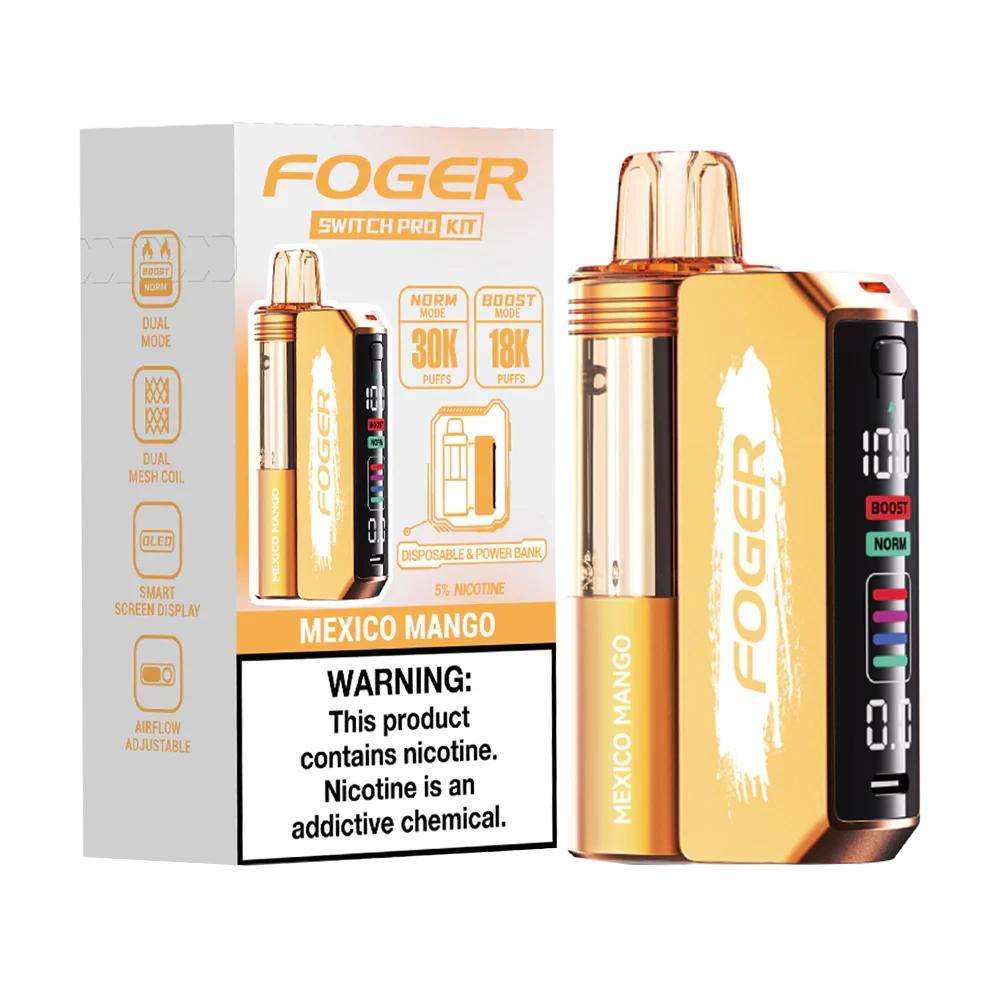
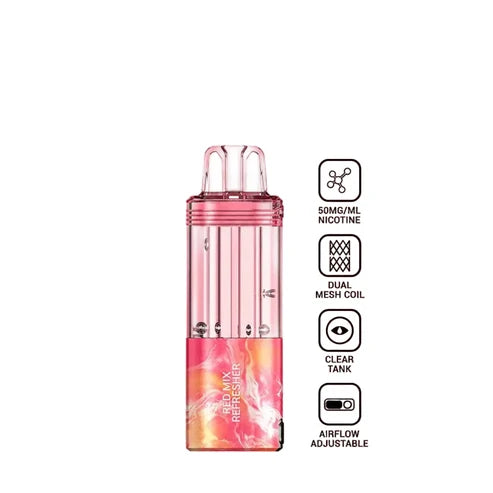
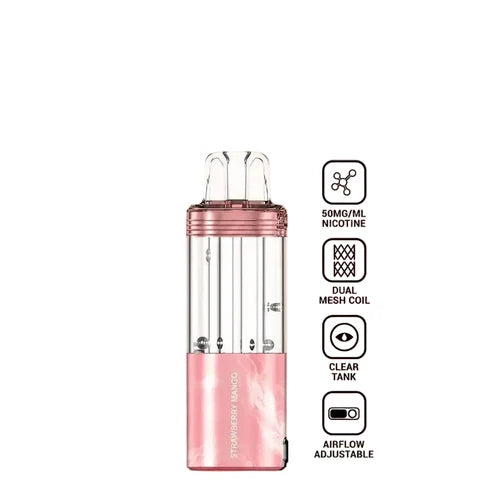
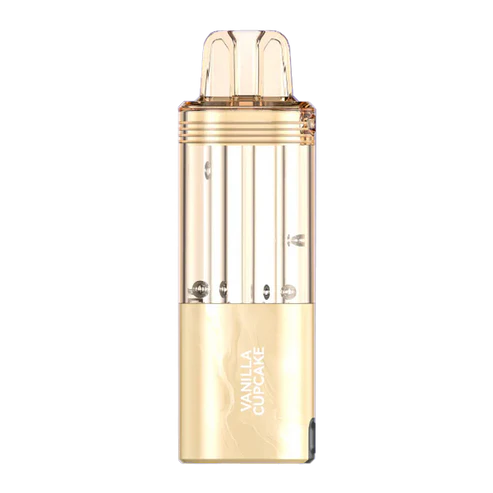
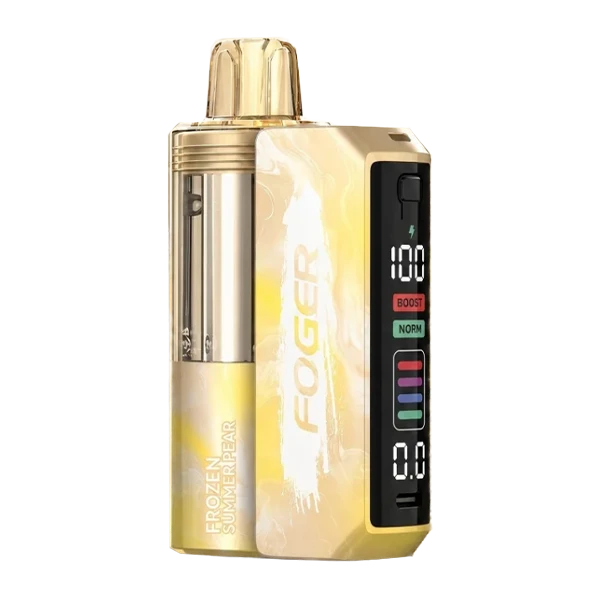
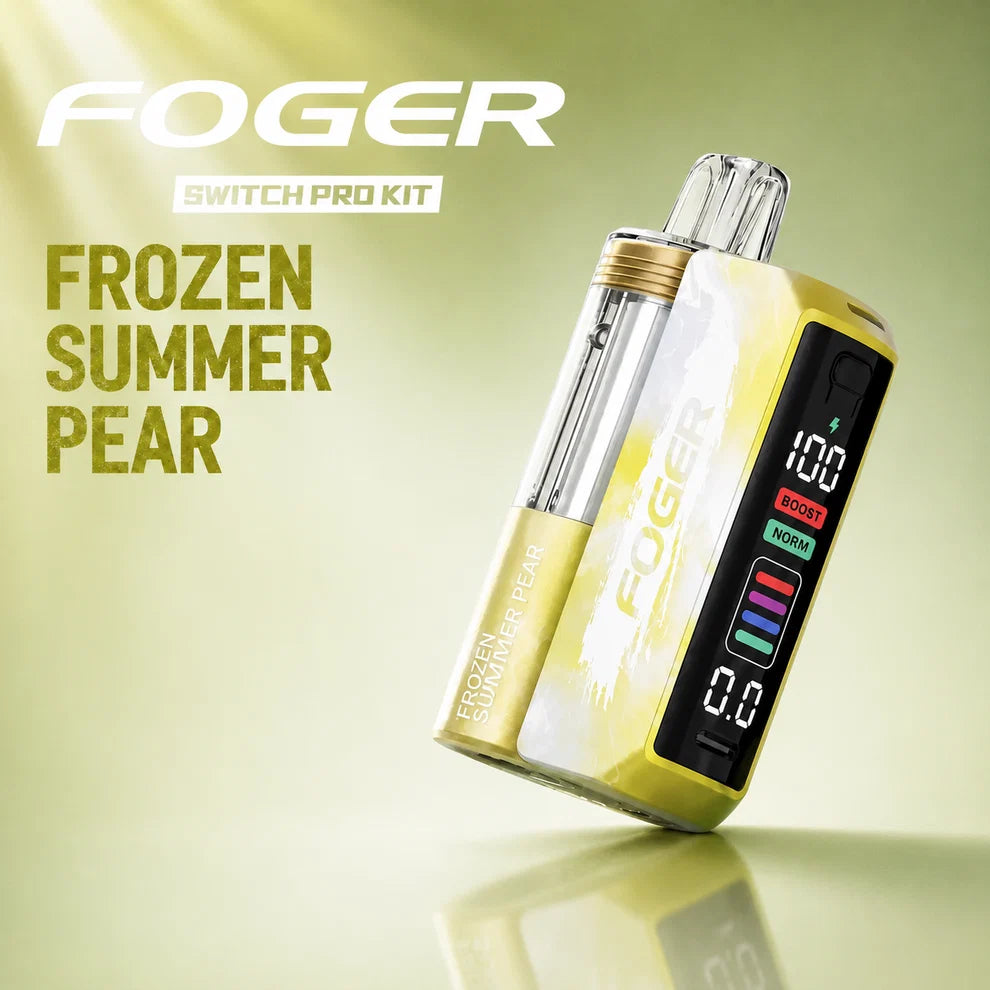
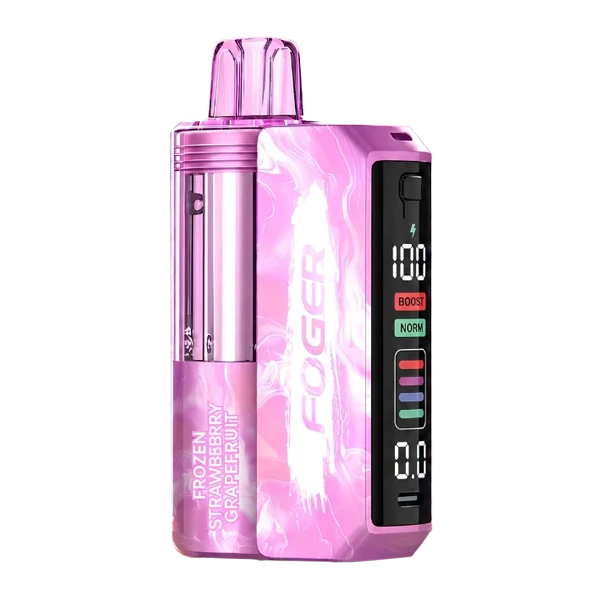
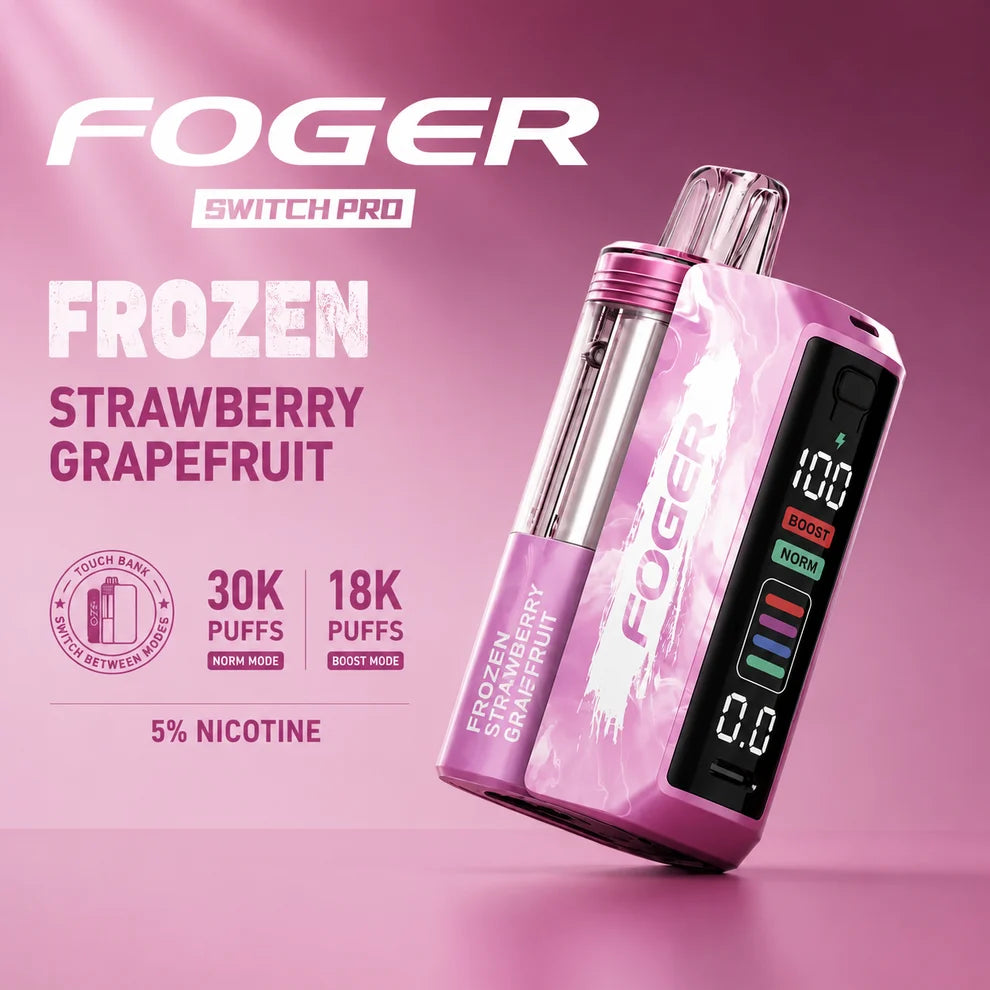


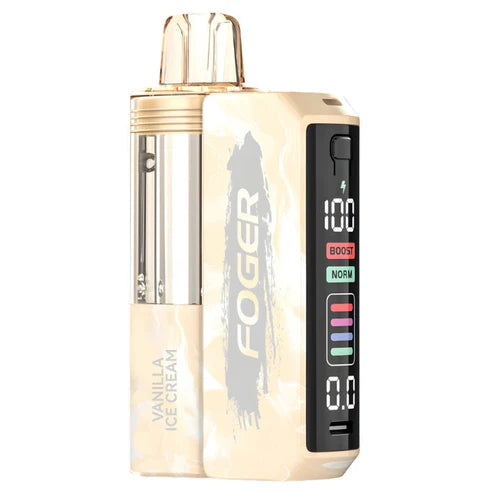
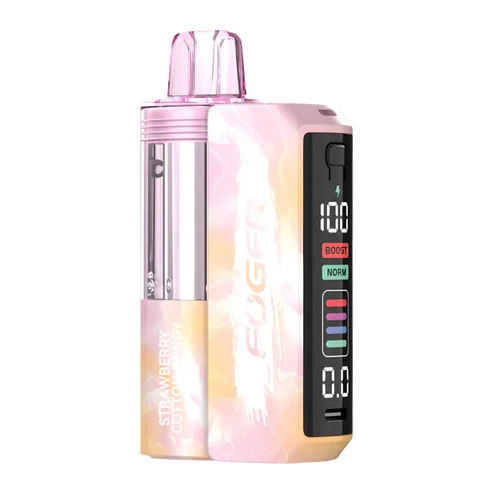


Top 10 Best Foger Switch Pro 30K Kit Flavors Ranked: Sweetness, Ice & Taste Profile
How to Charge & Maintain Battery Life on Foger Switch Pro 30K Kit Power Base
Share: