



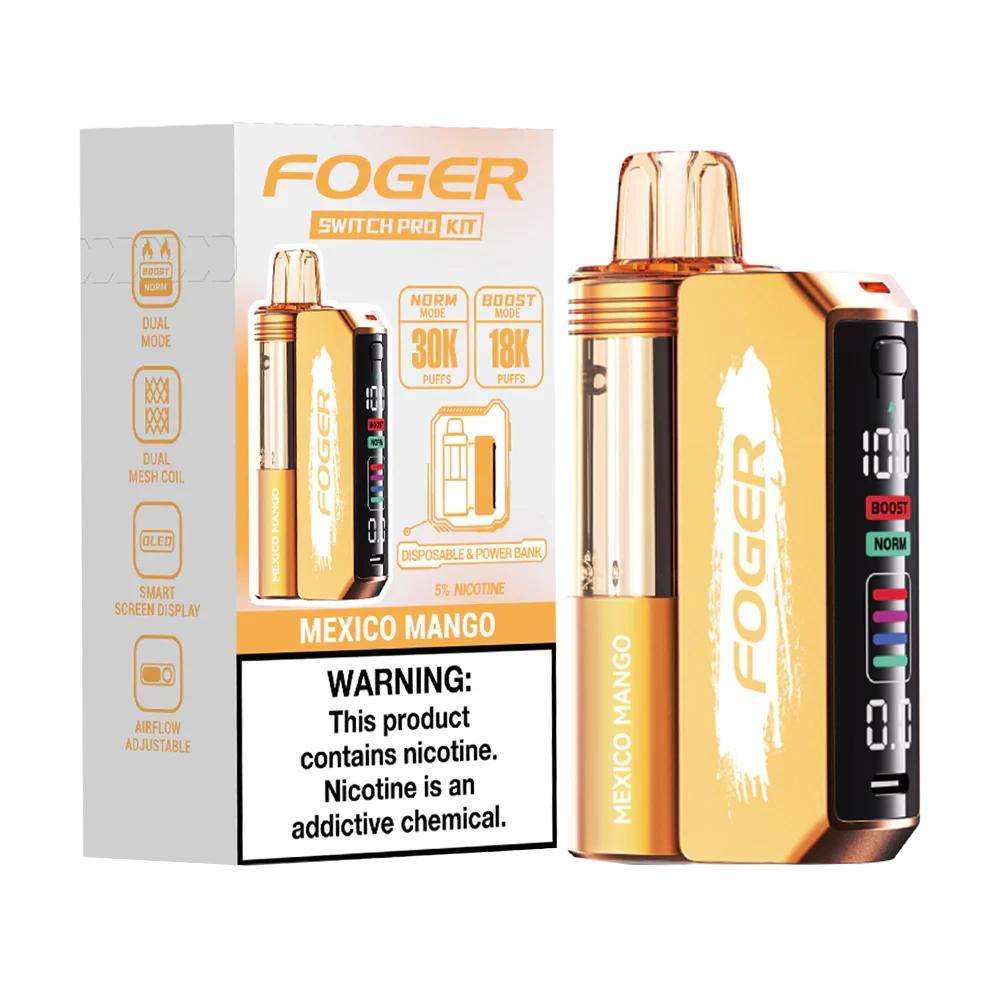
Transitioning to a modular vapor system is a smart economic choice, but it requires a shift in how you handle your hardware. Because you retain the bottom power bank for months, knowing How to Charge & Maintain Battery Life on Foger Switch Pro 30K Kit Power Base is critical to your device's survival. Neglecting basic electrical safety can fry the microcontroller or permanently degrade the lithium-ion cell, rendering your setup useless. This comprehensive care guide dives deep into proper charging protocols, thermal management, and contact pin maintenance to ensure your reusable base operates flawlessly for the long haul.
1. Understanding the Reusable 1000mAh Power Base Core
Treating your modular setup like a cheap, toss-away pen is the fastest way to ruin it. The bottom half of this system is a sophisticated piece of electronics designed for sustained endurance.
Lithium-Ion Polymer Cell Chemistry Explained
At the heart of the chassis lies a 1000mAh lithium-ion polymer (LiPo) battery. These cells are incredibly dense, allowing them to output steady, high amperage without taking up massive pocket space. However, LiPo chemistry is highly sensitive to voltage stress. Treating the cell with respect by maintaining stable electrical inputs is the only way to ensure it survives hundreds of future recharge cycles without losing maximum capacity.
2. Proper Type-C Charging Cable Selection
Not all USB-C cords and wall adapters are created equal. Using whatever charger happens to be lying on your desk is a massive gamble that often results in motherboard failure.
Avoiding High-Wattage Laptop Power Adapters
Modern laptop and tablet chargers push anywhere from 30 to 65 watts of power. The microcontroller inside this vaping hardware is only rated to safely process a 5V/1A or 5V/2A input. Forcing high-speed laptop wattage into the Type-C port overwhelms the internal charge controller, causing the cell to heat up violently and drastically shortening its operational lifespan. Always use a standard, low-wattage wall block.
3. Ideal Recharging Intervals for Modular Vapes
Many users have a bad habit of vaping their device until the screen goes completely black, assuming that a "full drain" is good for the battery. In modern electronics, this is entirely false.
Why You Should Avoid Complete Zero Percent Depletion
Allowing a lithium-ion cell to drop to an absolute 0% charge state forces it into a deep discharge. This creates chemical strain on the battery's internal structure. For optimal longevity, you should plug your reusable base into the wall when the digital screen reaches approximately 15% to 20%. Keeping the cell above this threshold prevents deep-discharge degradation.
4. The Dangers of Pass-Through Vaping Sessions
When your battery dies in the middle of the day, it is incredibly tempting to plug it into a power bank and continue hitting it while it charges.
Thermal Overload from Discharging and Recharging Simultaneously
This action is known as pass-through vaping, and it is highly destructive to modular hardware. When you inhale, the battery rapidly discharges electricity to heat the coil. If it is plugged into a wall at the same time, the battery is also attempting to absorb electricity. This dual-action generates extreme internal heat (thermal overload), which can warp the plastic housing and fry the motherboard.
5. Cleaning the Magnetic Gold-Plated Pogo Pins
The connection point between the power base and the liquid cartridge is the most critical junction on the entire device. If electricity cannot flow cleanly, your battery efficiency plummets.
Removing Condensation to Ensure Maximum Voltage Transfer
Over several days of heavy use, microscopic droplets of e-liquid condensation can pool in the magnetic cradle. This moisture creates an insulating barrier over the gold-plated pogo pins. Take a dry cotton swab and gently wipe the pins inside the battery base every time you charge the device. A clean connection prevents the battery from working overtime to push voltage through grime.

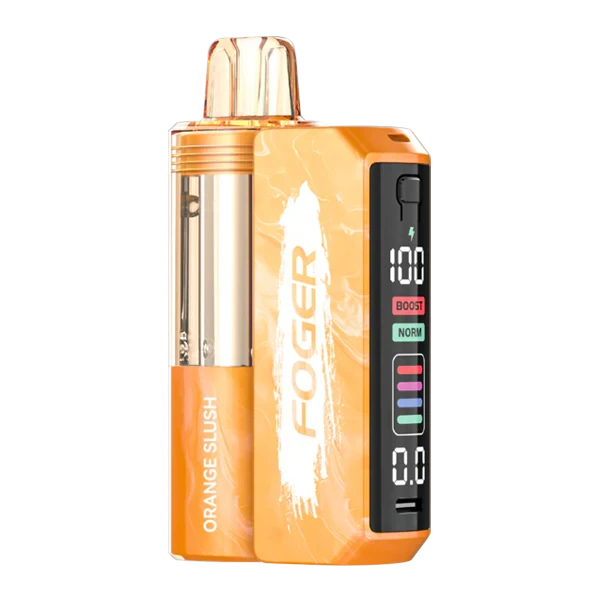
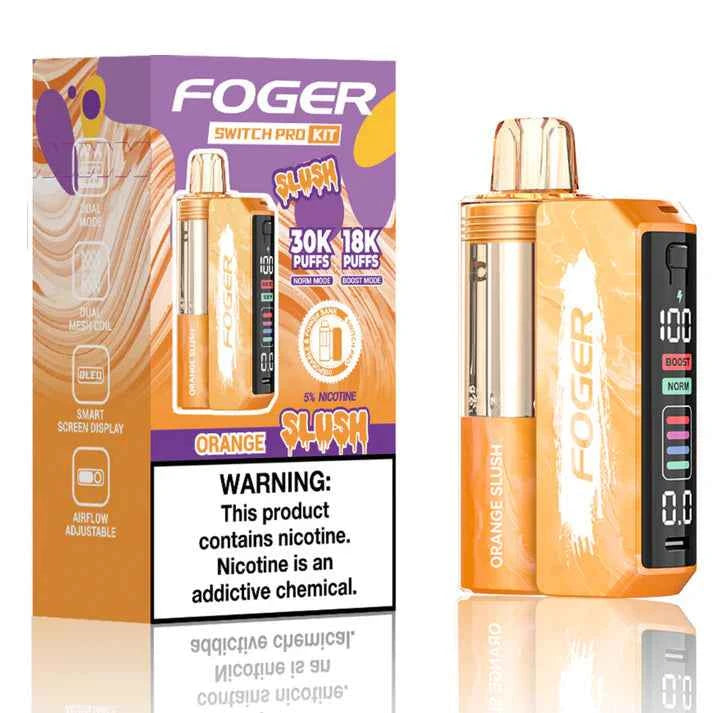
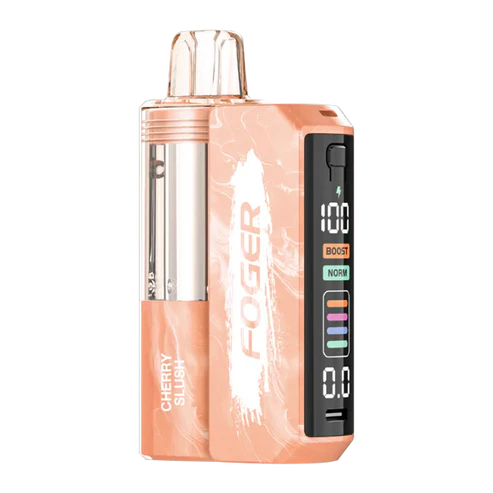
Foger Modular Base Charging
6. Protecting the Device from Extreme Temperatures
Environmental factors play a massive role in how efficiently a lithium-ion battery holds a charge. Leaving your hardware in an uncontrolled environment will ruin it instantly.
Cold Weather Impacts on Lithium Battery Degradation
If you leave the base in a freezing car overnight, the chemical reactions inside the lithium-ion cell slow down dramatically. The screen might read a false 0%, or the battery may refuse to fire the coil. Conversely, leaving it in direct summer sunlight can cause the cell to swell. Always store your power bank at room temperature.
7. Interpreting the Smart Screen Charging Indicators
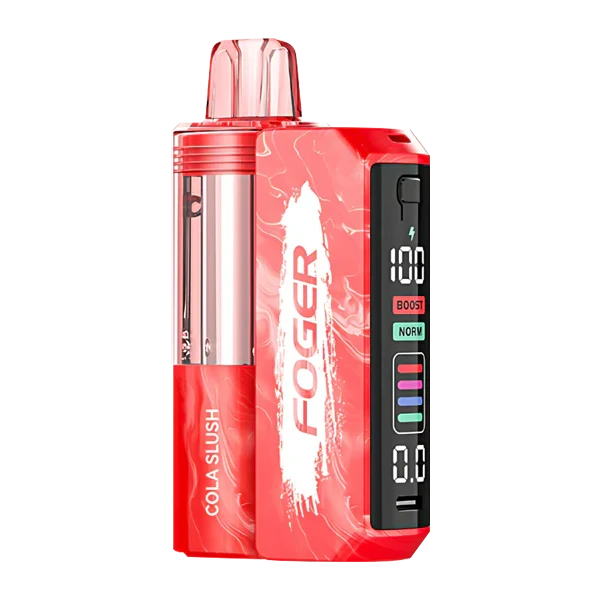
The digital display does more than just show juice levels; it acts as your primary diagnostic tool for monitoring the electrical health of your power bank.
Recognizing Trickle Charge States at 100 Percent
When you plug the device in, the screen will display an active charging animation. Once it hits 100%, modern internal controllers switch to a "trickle charge" state to prevent over-voltage. While this safety feature is reliable, it is still a best practice to unplug the unit once the screen reaches 100% rather than leaving it tethered to the wall overnight.
8. How Airflow Settings Affect Power Consumption
Most users don't realize that the physical aerodynamic settings on their device directly impact how fast their battery drains throughout the day.
Wide-Open Vents and Dual-Mesh Coil Amperage Drain
If you have the bottom airflow slider pushed wide open for massive Restricted Direct-Lung (RDL) hits, you are pulling larger volumes of air over the dual-mesh coils. This cools the coils down faster, forcing the battery to output slightly more sustained amperage to keep them at vaporization temperatures. Closing the airflow slightly conserves a marginal amount of battery life.
9. Storing Your Device Safely When Not in Use
If you plan on taking a break from vaping or using a backup device for a few weeks, how you store your modular hardware determines if it will work when you return.
Detaching Replacement Cartridges for Extended Periods
Never store the assembled unit long-term. Always separate the standalone replacement cartridges from the magnetic base. This prevents accidental auto-firing in a drawer and ensures that if a cartridge does happen to leak due to atmospheric pressure changes, the liquid will not seep into the battery's motherboard while in storage.
10. Diagnosing Flashing Screen Power Errors
When the screen starts blinking rapidly and the device refuses to produce vapor, the microchip is actively blocking the electrical current to protect the battery.
Identifying Short Circuits Versus Dead Cell Warnings
If the screen flashes 10 times consecutively, the battery is simply at 0% and requires a Type-C cable. However, if the battery is fully charged, but the screen flashes 3 to 5 times immediately upon taking a draw, the motherboard has detected a short circuit in the top cartridge. The base is protecting itself; you must throw the defective top section away.

11. Safe Extraction of Pocket Lint from Ports
A power base that refuses to charge is often misdiagnosed as a dead motherboard, when in reality, it is just a blocked Type-C port.
Using Non-Conductive Tools for Type-C Maintenance
Pocket lint heavily compacts into the bottom charging port over time, preventing the cable from clicking into place. Never use a metal paperclip or tweezers to clean it, as metal can bridge the internal pins and short out the battery. Always use a wooden toothpick to gently scrape out the compacted debris safely.
12. Managing Battery Heat During Rapid Chain Inhalation
Vaping aggressively without giving the hardware time to breathe puts massive thermal stress on the internal plastic housing and the battery cell underneath.
Allowing the Microcontroller to Cool Down Naturally
If you take fifteen deep draws back-to-back, the dual-mesh coils will transfer heat down through the gold pins directly into the battery base. If the bottom half of your device feels uncomfortably hot in your palm, set it down in the shade for ten minutes. Let the microcontroller cool off naturally to prevent degrading the LiPo cell.
13. Comparing Modular Base Longevity to Standard Pens
Understanding the engineering advantages of your two-piece system helps reinforce why proper battery maintenance is so crucial.
Long-Term Environmental and Economic Hardware Benefits
As noted in the comprehensive Foger Vape Ultimate Guide 2026, retaining this 1000mAh power base completely changes your consumption economics. By taking care of this single battery, you keep dozens of toxic lithium cells out of landfills each year while drastically slashing your weekly restocking budget.
14. Knowing When to Finally Replace the Base Unit
Even with flawless maintenance, lithium-ion polymer batteries have a finite number of charge cycles before the chemical structure permanently breaks down.
Recognizing Severe Voltage Sag and Swollen Casings
If your device begins taking three hours to charge, dies within thirty minutes of use, or if the polycarbonate casing begins to bulge outward, the battery has reached its end of life. When this occurs, responsibly recycle the base at a local electronics center and purchase a brand new hybrid power bank configuration to safely continue your modular experience.
Frequently Asked Questions (PAA Cluster)
Can I leave my Foger modular base plugged in overnight? While the device features an internal charge controller designed to stop drawing power at 100%, it is highly recommended to unplug it once fully charged. Leaving lithium-ion batteries tethered to the wall overnight continuously stresses the cell and can degrade its overall lifespan.
Why does my battery base flash when I connect it to the charger? If the screen flashes but the charging animation does not begin, the battery is detecting an incompatible voltage input. This usually happens if you are using a high-speed laptop charger. Switch to a standard 5V/1A wall adapter and a different Type-C cable to resolve the issue.
How do I clean the inside of my Foger magnetic battery? Use a dry cotton swab or a tightly rolled piece of microfiber cloth to gently wipe the inside of the magnetic cradle. Focus on the gold-plated contact pins to remove any e-liquid condensation. Never use rubbing alcohol, water, or wet wipes, as moisture will fry the motherboard.
Is it normal for the battery base to get warm while charging? Slight warmth is perfectly normal during a charging cycle as electrical current is transferred into the lithium-ion cell. However, if the device becomes too hot to comfortably hold in your hand, unplug it immediately, as this indicates a failing cell or a damaged charging cable.




















How to Fix Foger Switch Pro 30K Kit Not Hitting, Burnt Taste & Charging Issues
Foger Switch Pro 30K Pod Buying Guide: Pre-filled Flavors & Replacement Value
Share: